Which Browser v0.2.3
What is Which Browser? Go here
What’s new
Release highlights
- Stats workspace: A dedicated tab now keeps count of every intercepted link, highlights how many intents are pending, scheduled, or already handled, and surfaces your most common labels so you can fine-tune workflows instead of guessing.
- English-like rule language: Rules can be written, exported, or imported as plain text using a DSL that supports triggers, URL filters, labels, schedules, and inline comments. This makes sharing policies between machines or teammates trivial.
- Notification control & automation polish: Adjustable throttling prevents notification storms, while browser registration helpers and profile-aware launches keep each OS behaving consistently.
- Website distribution automation: The release workflow automatically fetches assets for each platform, renders download cards, and prepares draft release pages so Cloudflare Pages stays in sync with GitHub releases.
Deep dive: the Which Browser rule language
The rule engine exposes a readable DSL so that you can describe intent handling with statements such as when (trigger is manual) and domain contains "calendar.google.com" then open in Chrome.
Rule.fromDslparses text into structured rules whileRule.toDslexports any rule back to text, preserving titles, notes, triggers, conditions, and actions for round-tripping. 【F:lib/database/rule.dart†L170-L355】- The parser tracks columns, human-readable errors, nested groupings, URL matchers, label logic, status filters, and cron/time windows. Validation errors bubble up through
RuleDslParsingException, giving precise feedback when writing text rules. 【F:lib/helpers/rule_dsl_parser.dart†L1-L195】 - Rules can be exported from the Rules view as text blobs or edited inline via dialogs, so a full rule set can be audited, versioned, or pasted between environments in seconds. 【F:lib/views/rules_page.dart†L418-L520】【F:lib/modal/add_edit_rule_dialog.dart†L169-L260】
Stats, insights, and notifications
The navigation now includes a Stats tab that streams live intent counts from the database, breaks numbers down by status, and lists the top labels so you can see what is consuming attention. 【F:lib/views/main_widget.dart†L26-L173】【F:lib/views/stats_page.dart†L8-L186】
Notification throttling is configurable from Settings, letting you clamp bursts to a comfortable cadence. Preferences persist via shared preferences and expose toggles/sliders directly inside the UI. 【F:lib/views/settings_page.dart†L79-L154】【F:lib/data/notification_settings.dart†L4-L67】
Distribution and release automation
The Cloudflare Pages helper downloads every asset for each canonical version, renders the download partial, and drafts release notes whenever GitHub publishes or updates a tag. This ensures latest_downloads and release landing pages stay accurate without manual uploads. 【F:page/update_release_pages.go†L39-L189】
Visuals
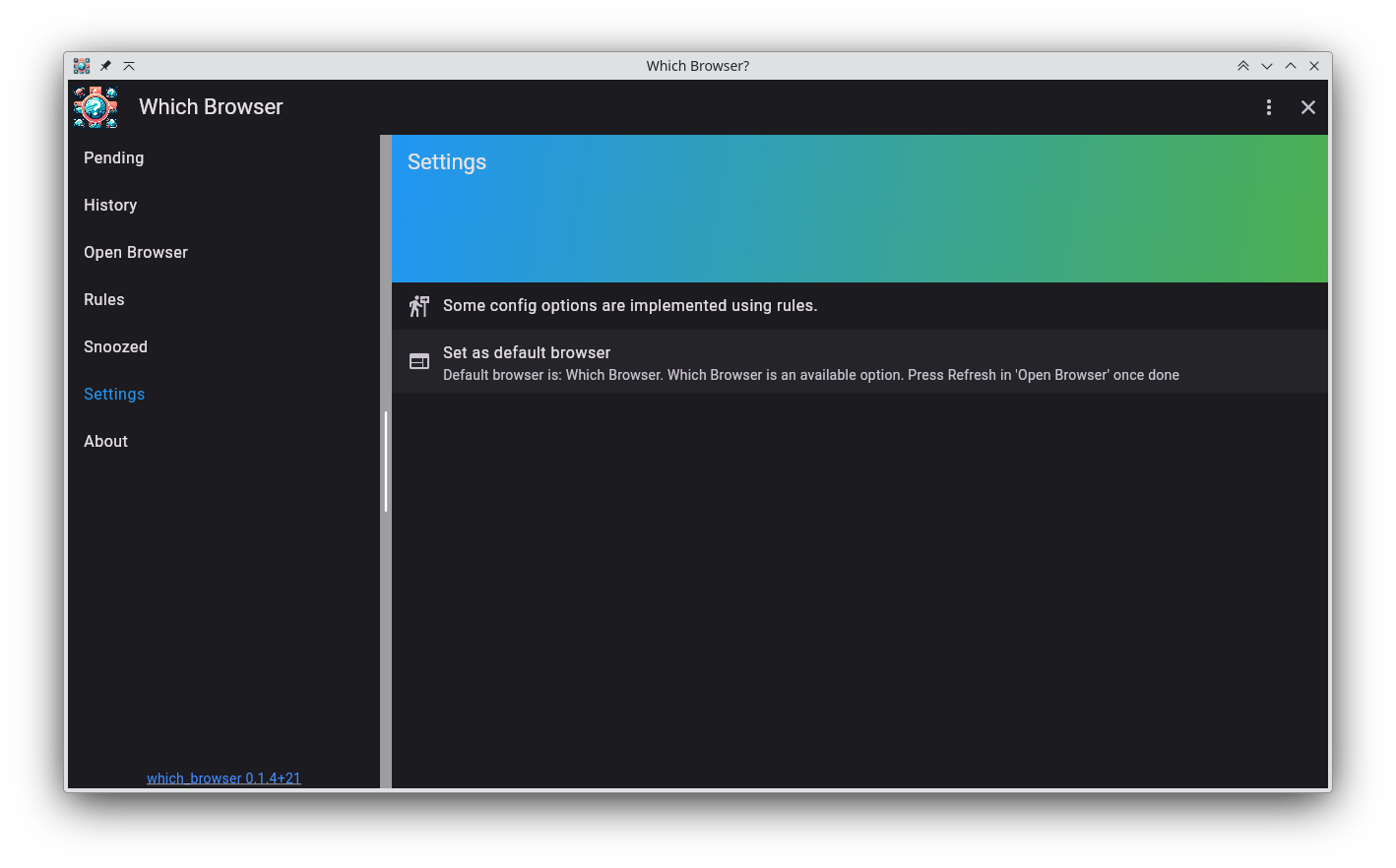
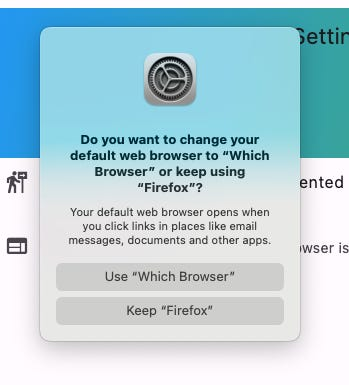
Installing
No downloads available for this version.
Gentoo
To install it on Gentoo use my gentoo overlay: https://github.com/arran4/arrans_overlay
# eselect repository enable arrans-overlay
# emerge --sync arrans-overlay
# emerge -va www-misc/which_browser