Which Browser v0.1.4
What is Which Browser? Go here
What’s new
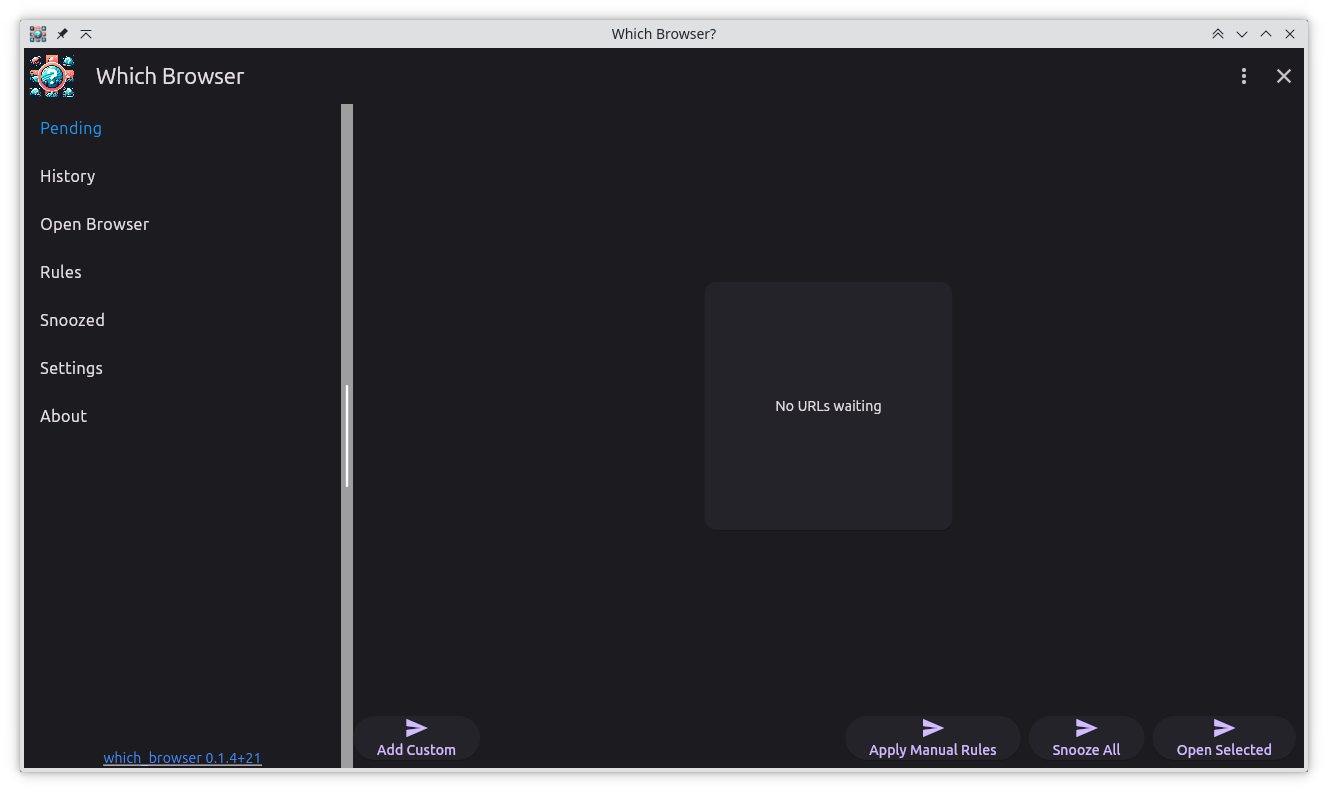
v0.1.4 focuses on polish and comfort. After putting the initial release in front of daily workflows, the most common request was “please don’t blind me at night,” closely followed by “make the queue feel even smoother.” This update delivers both.
Release highlights
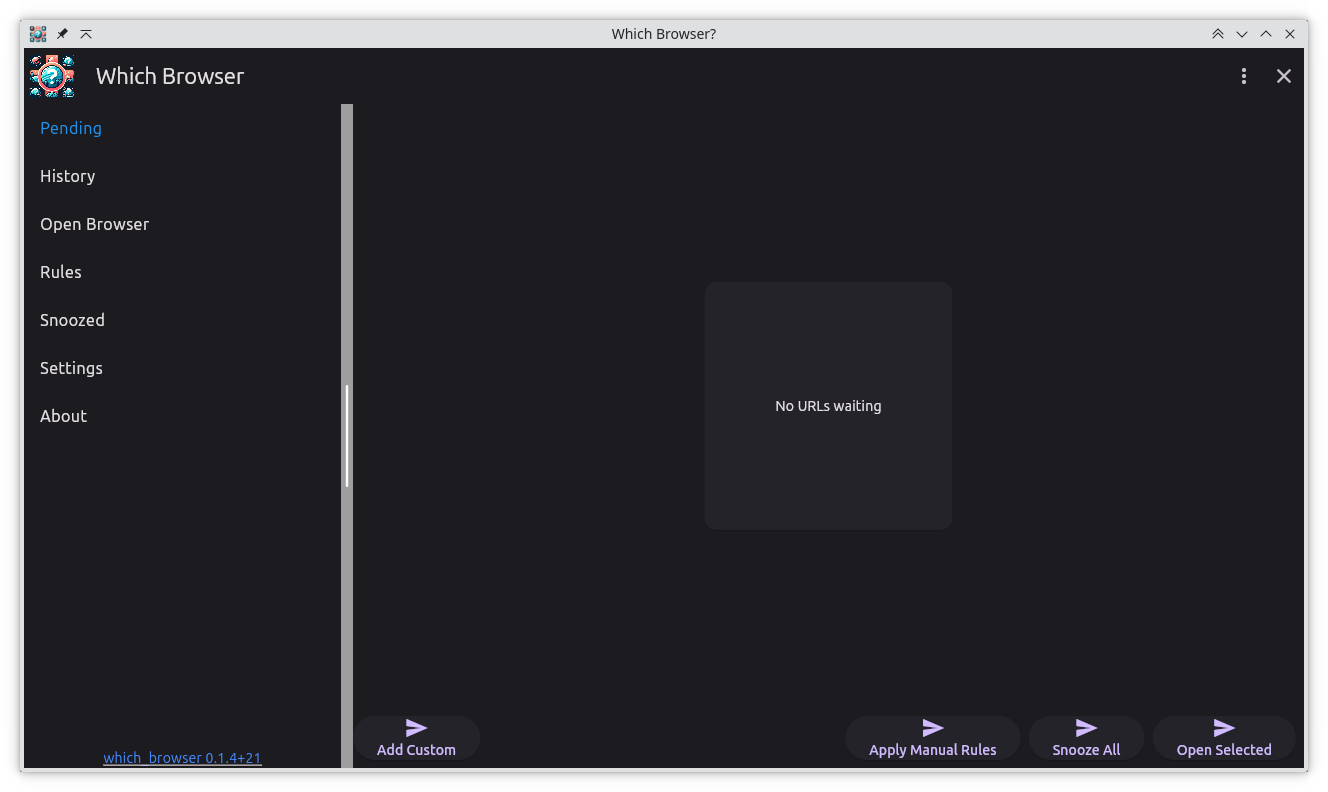
- System-aware dark mode: Which Browser now respects your OS theme or lets you force light/dark manually, so late-night link triage no longer feels like staring into a flashlight.
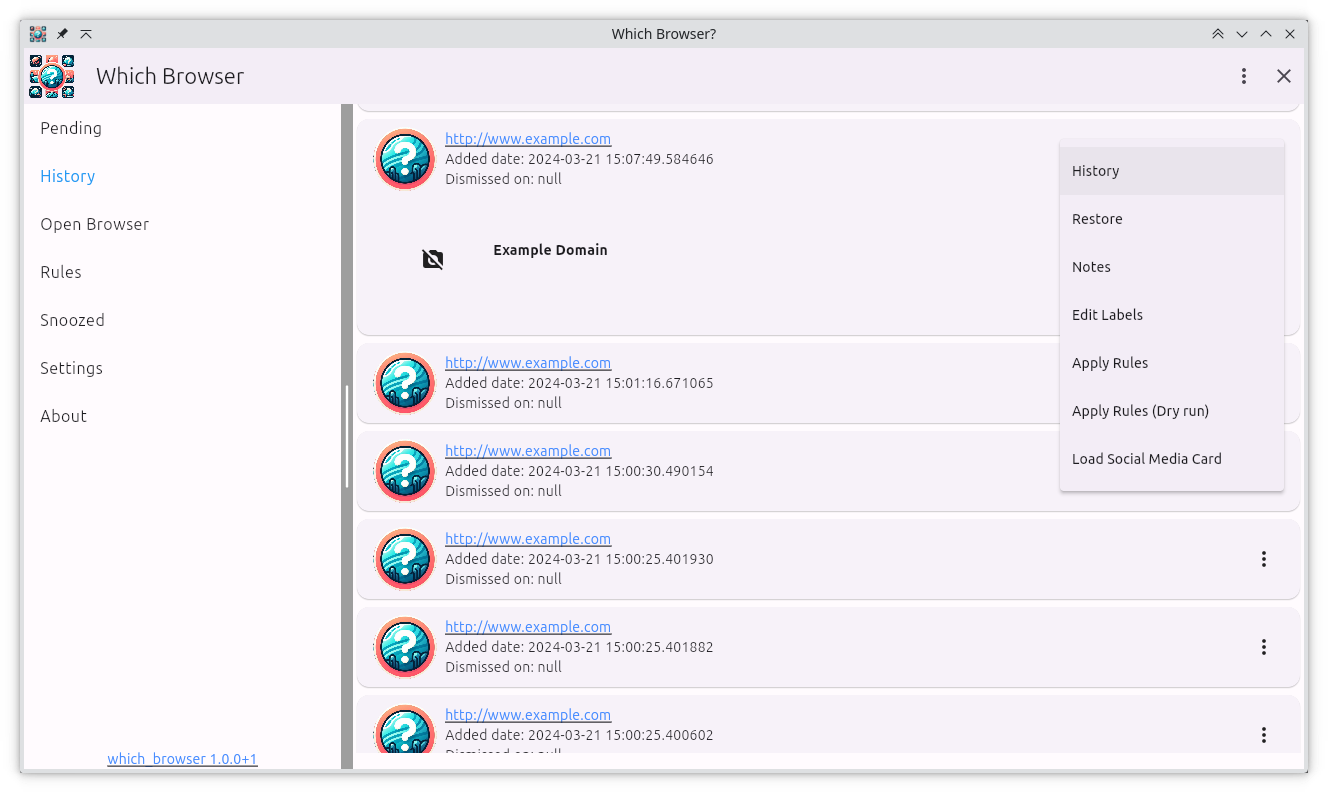
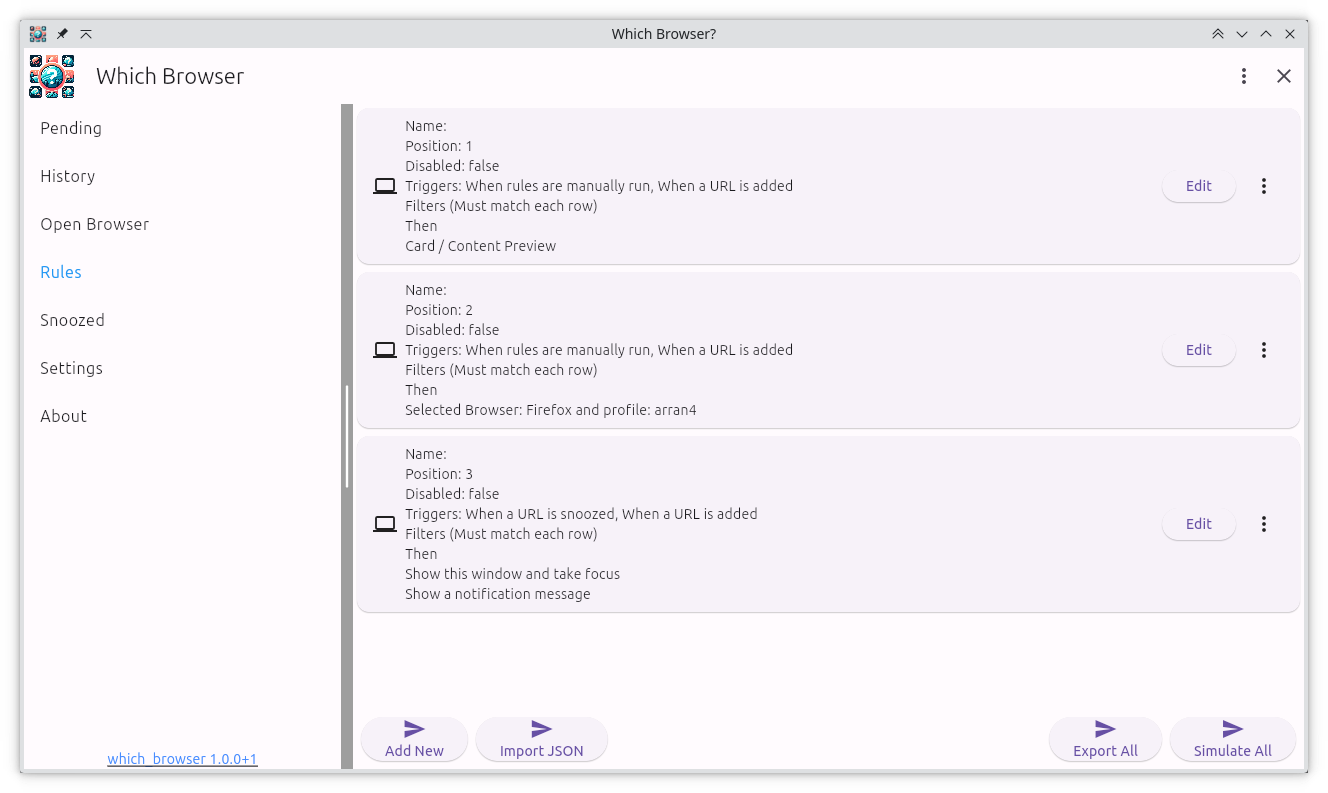
- Intent clarity improvements: Better spacing, typography, and iconography help scan large queues quickly, especially on high-DPI displays.
- Status-aware accents: Pending, Snoozed, and History get subtle color cues so you can tell where you are at a glance.
- Performance tweaks: Faster rendering of long intent lists plus more reliable detection of registered browsers on Linux and macOS.
Dark mode details
The dark theme isn’t a simple inversion. Cards, dialogs, and buttons were individually tuned to maintain contrast while keeping the UI calm. OS theme detection hooks into the existing settings view, meaning Which Browser follows GNOME/KDE, macOS, and Windows toggles automatically.
You can still override the theme per device if you prefer to keep the inbox dark even when the system is set to light.
Visual tour
Installing
No downloads available for this version.
Gentoo
To install it on Gentoo use my gentoo overlay: https://github.com/arran4/arrans_overlay
# eselect repository enable arrans-overlay
# emerge --sync arrans-overlay
# emerge -va www-misc/which_browser