Which Browser v0.1.3
What is Which Browser? Go here
What’s new
This is the first public release of Which Browser! Version 0.1.3 laid the groundwork for everything that came after it by proving that a “default browser” could be a productivity inbox rather than a single application.
Release highlights
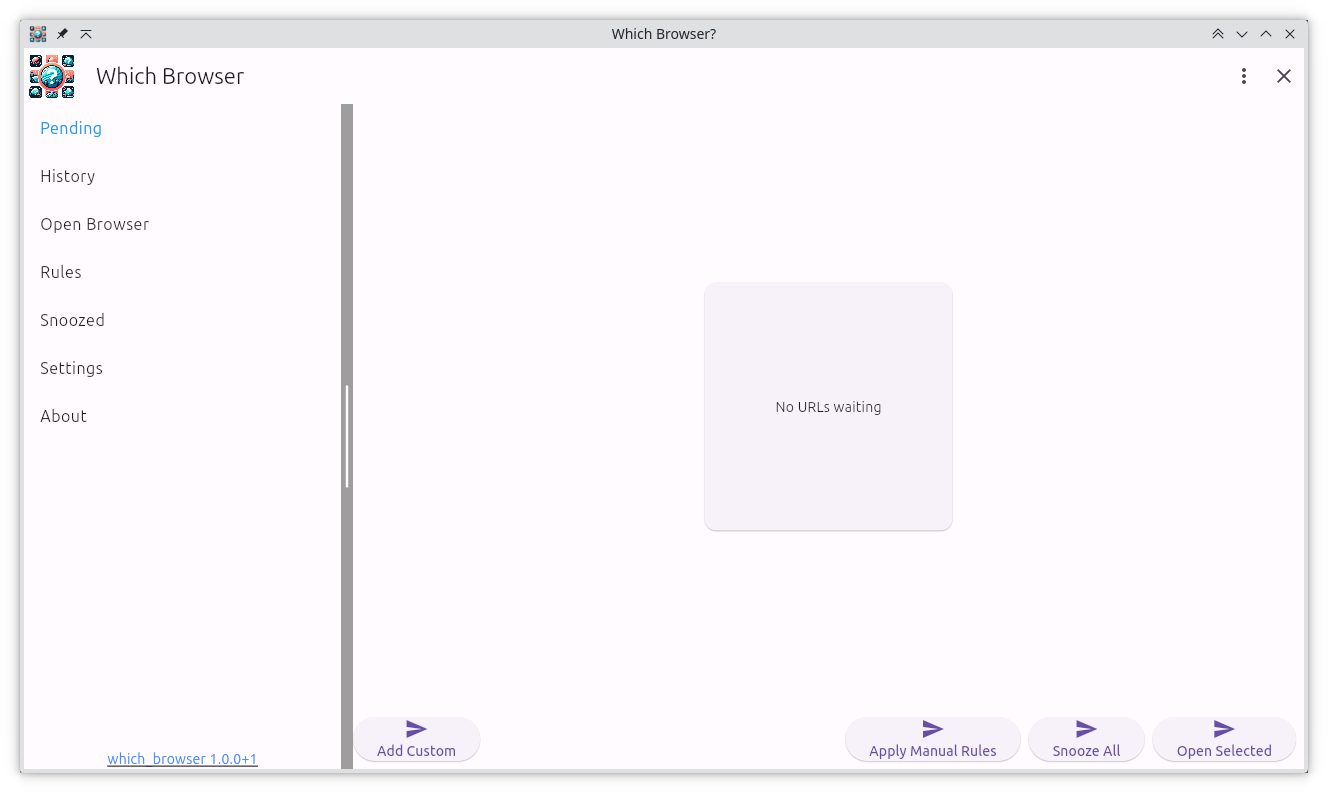
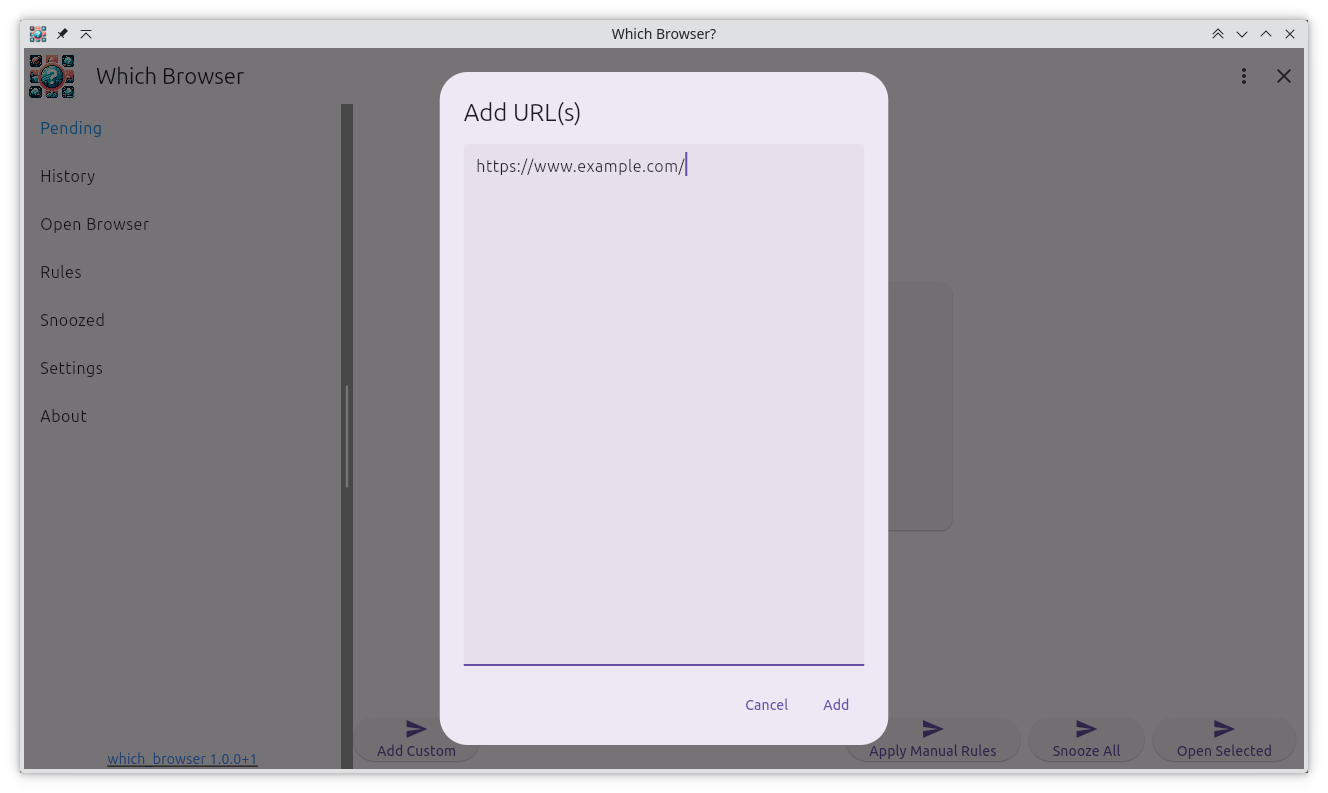
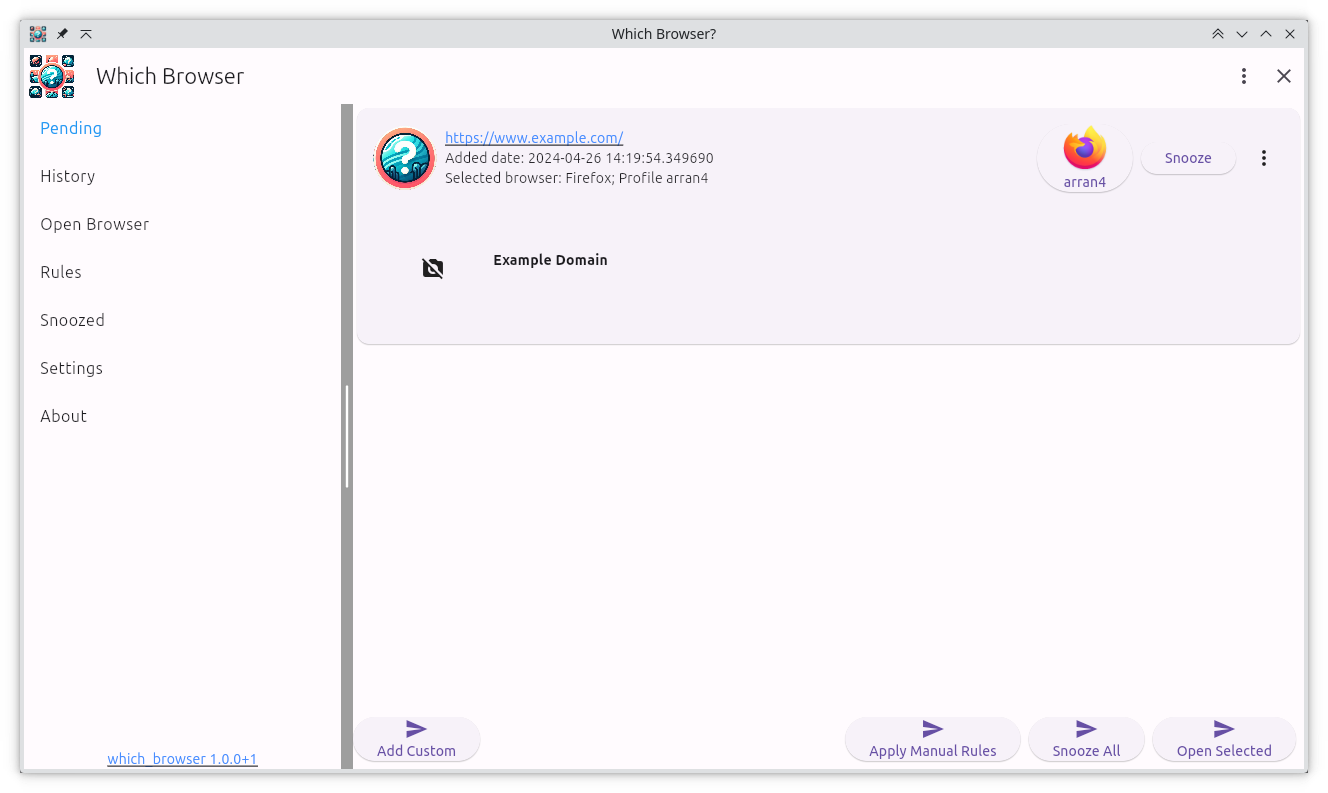
- Unified intent inbox: Every URL the OS tries to open is intercepted, labeled, and added to Pending instead of hijacking whatever browser happens to be running. Linux, macOS, and Windows all benefit from the same triage-first workflow so OAuth callbacks, chat links, or video meetings wait until you are ready.
- Rule-driven routing: Domains, URL fragments, or labels can map to the right browser profile automatically. That means client portals always open in the correct Chrome/Firefox profile while personal distractions can be snoozed or discarded.
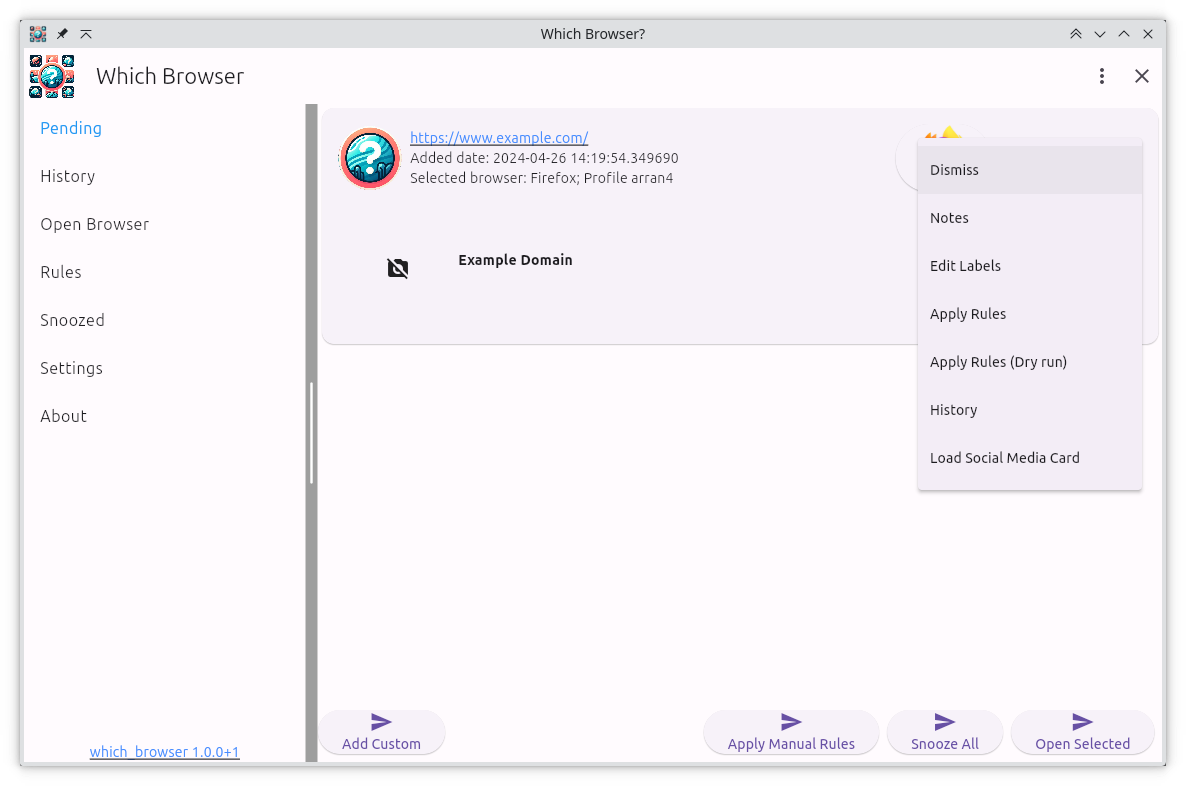
- Scheduling and reminders: Any intent can be snoozed to a date and time, surfaced as a reminder, or sent straight to history so you keep the link without disrupting the current task.
- Preview + discard: Rich previews help decide if a link is worth acting on. If not, discard it and keep the queue clean.
Why it matters
I originally built Which Browser because jumping between multiple clients, SSH tunnels, and OAuth flows made it impossible to keep tabs organized. v0.1.3 shows how powerful it is to have a broker sitting between the OS and your browsers—links stay buffered until you consciously send them somewhere, the mental load drops, and you can keep multiple contexts in sync.
Workflows unlocked in 0.1.3
- Multi-browser teams: Keep Chrome profiles for each client, run Firefox for personal browsing, and still let the OS launch “Which Browser” as the single default handler.
- Label-based filters: Assign labels such as “work”, “personal”, or “research” and slice the queue the moment it appears.
- Command-line friendly: CLI tools or desktop apps that open URLs now feed into a controllable queue rather than surprising you with a new tab.
Visual tour
Installing
No downloads available for this version.
Gentoo
To install it on Gentoo use my gentoo overlay: https://github.com/arran4/arrans_overlay
# eselect repository enable arrans-overlay
# emerge --sync arrans-overlay
# emerge -va www-misc/which_browser