Which Browser: Take Control of Your Links
Take Control of Where Your Links Open
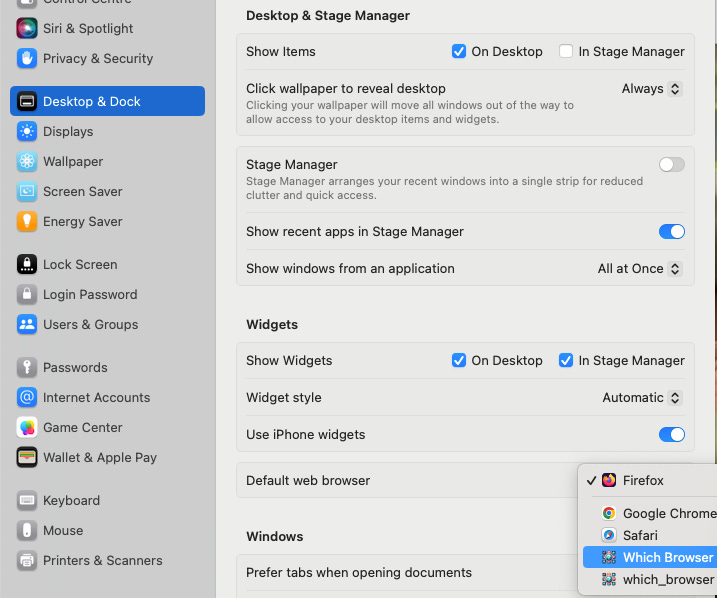
Set Which Browser as your default to intercept URLs, send them to the right browser profile, or queue them for later.
Documentation Hub
Need a deeper tour, detailed setup steps, or automation recipes? Visit the new Documentation section for beginner overviews, getting-started walkthroughs, technical references, and copy-paste how-to guides that showcase what scripting and rules can do.
What is Which Browser?
Which Browser presents itself as a web browser, but it’s much more. It’s a powerful tool that intercepts any link you click and gives you complete control over what happens next. Instead of links opening in the wrong browser or the wrong profile, Which Browser captures the request, displays it in a clean list, and lets you decide.
You can set up automatic rules to handle specific domains, snooze links for later, or simply build a queue of links to process when you’re ready.
Why I Built It
As a developer servicing multiple clients, I was constantly frustrated with links opening in the wrong context. Client A’s links would open in Client B’s browser profile, and command-line OAuth flows would hijack my personal browser window.
I built Which Browser to solve this problem for myself. It captures every link-opening intent, allowing me to buffer them and redirect them to the appropriate browser, profile, or even to a queue for later. The goal was to create a tool that understands my workflow and saves me from the constant headache of browser-shuffling.
Detailed Feature List
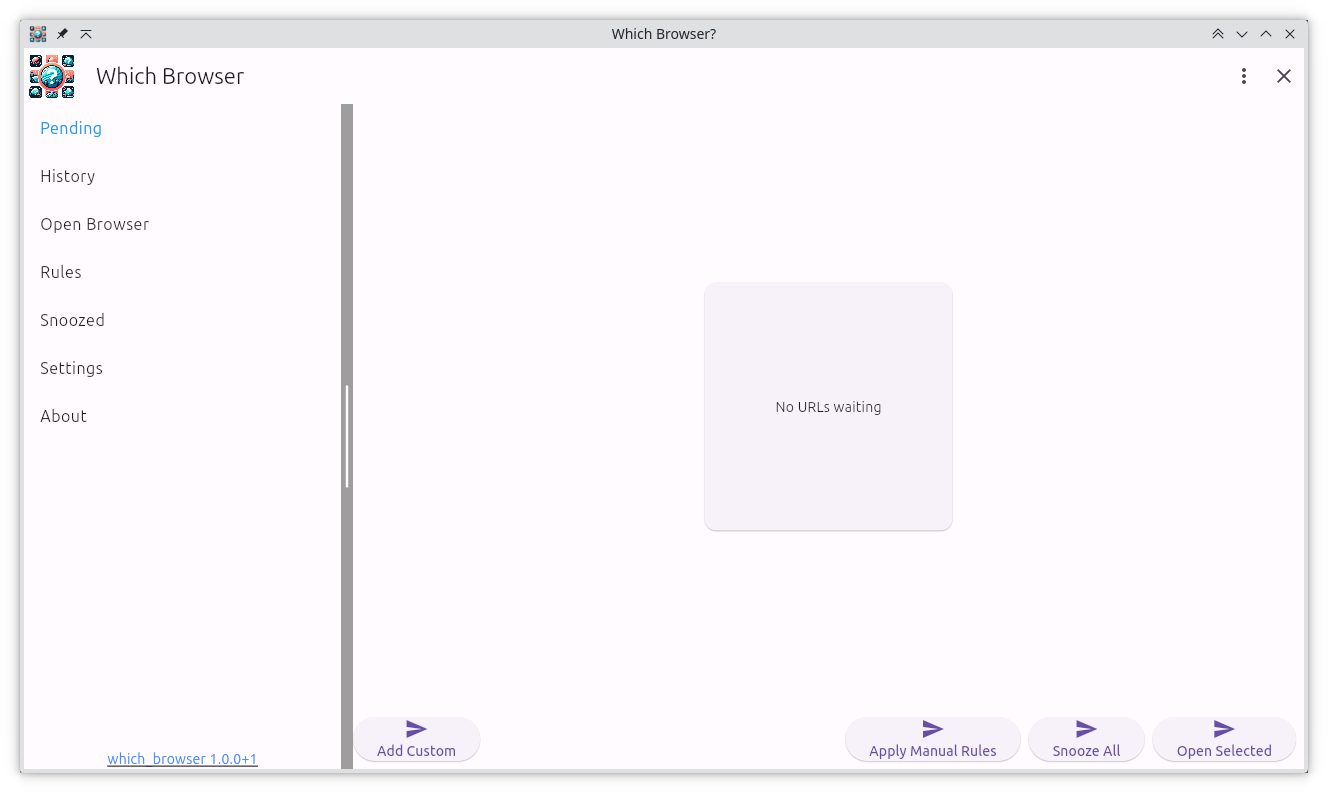
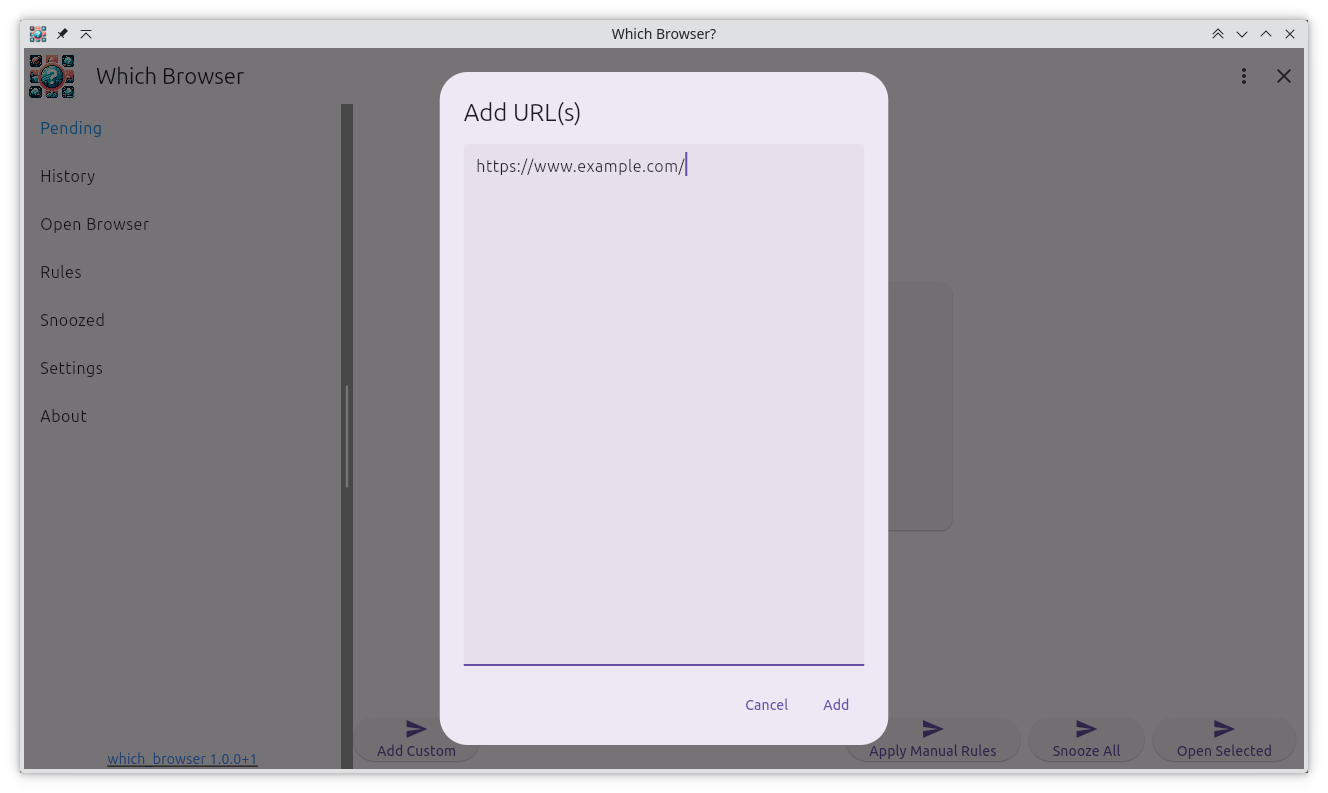
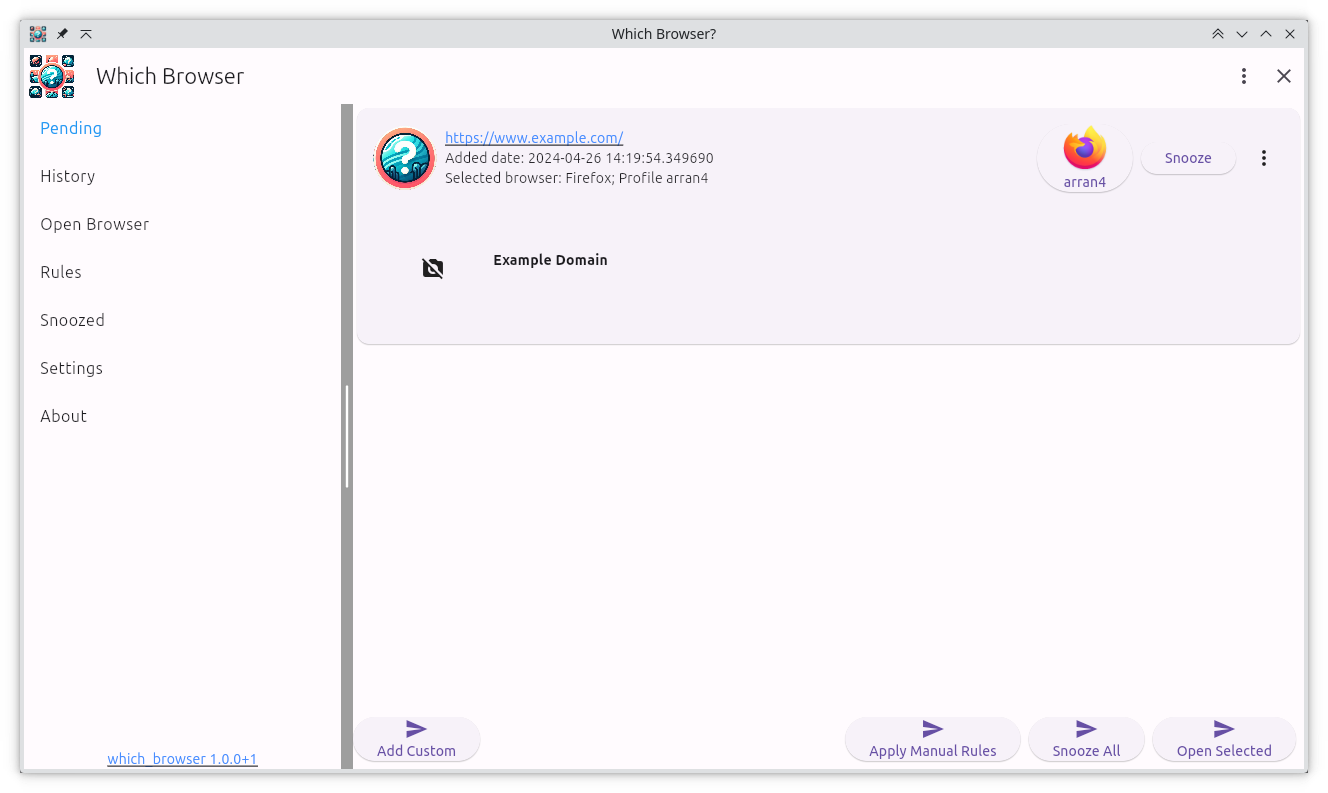
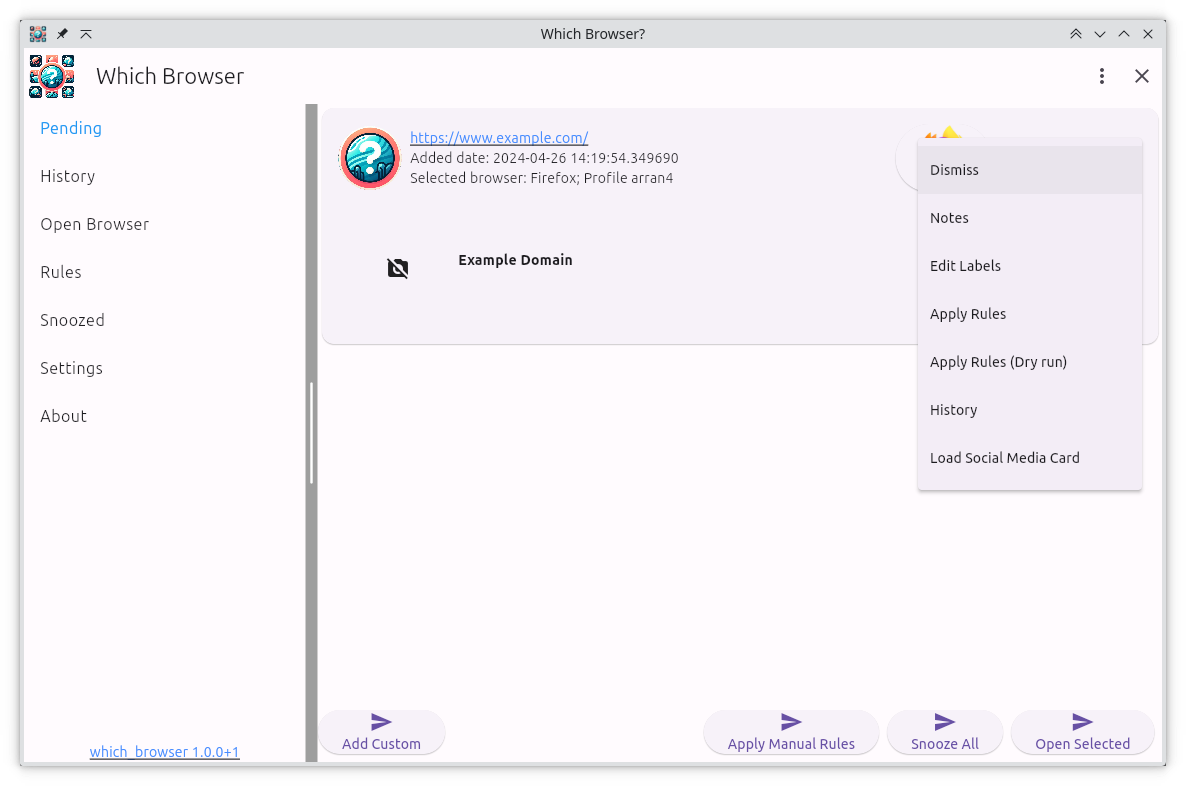
- Unified Link Inbox: Every link intent lands in Pending, so you can triage OAuth callbacks, meeting links, and research tabs without interrupting your flow. The list syncs across status-specific views (Pending, History, Snoozed) so you never lose a click.
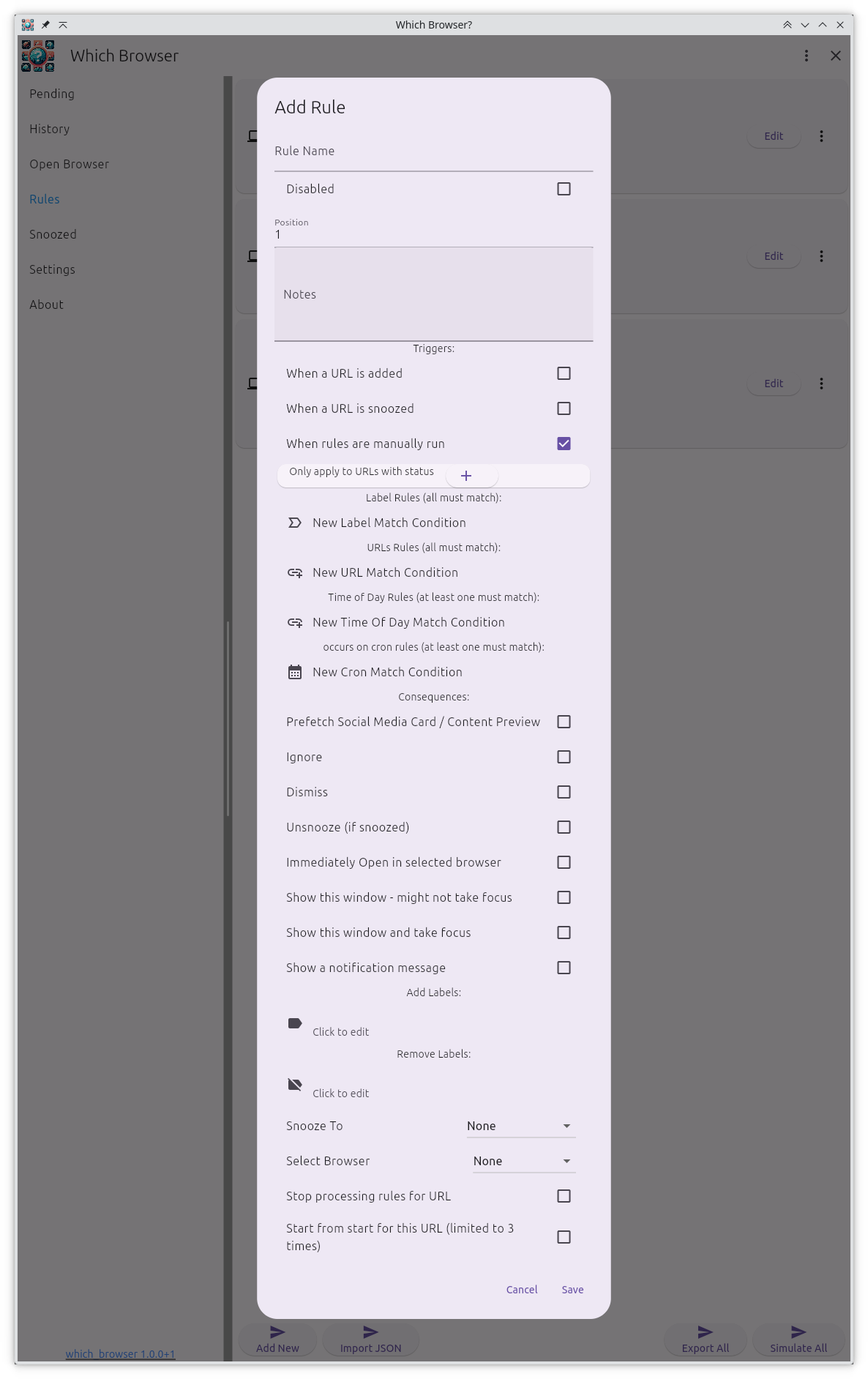
- Rules That Read Like English: The built-in DSL lets you write conditions such as
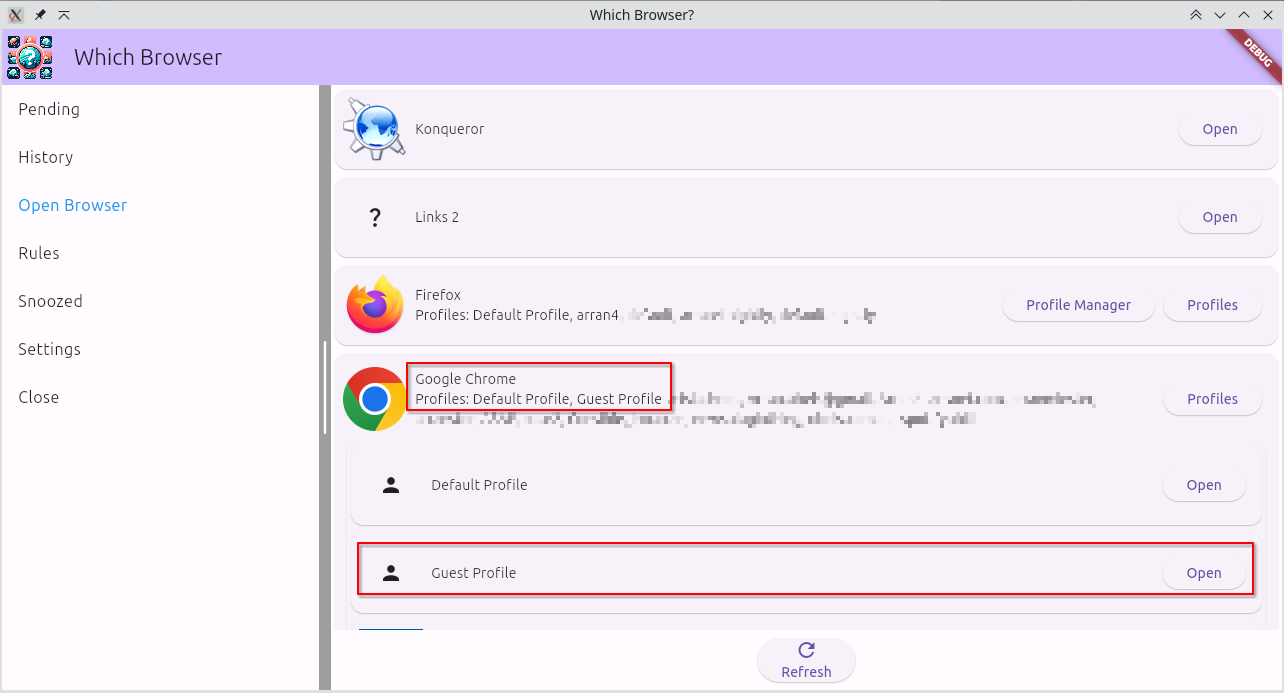
when domain is "calendar.google.com" and label has all of "work"and then choose what happens next. Exporting/importing rules as text keeps complicated setups portable and reviewable. - Profile-Aware Launching: Send links to any installed browser or profile, or let Which Browser show a picker with the correct favicon so you can keep client contexts separated.
- Queue, Snooze, or Schedule: Dismiss distractions, snooze them to a date/time, or queue batches for later review—complete with desktop notifications so nothing slips by.
- Insights & Notifications: The Stats tab surfaces how many links you processed, which labels you rely on, and how your queue is trending while notification throttling prevents alert storms.
- Privacy-Focused: There is no telemetry. All intents, rules, and labels stay on your machine.
See It in Action
Stay informed
Get release notes the moment they drop
Subscribe to the Which Browser release RSS feed so you can plan updates on your own schedule.
The Future
Which Browser is currently a tool built for my own needs, but I’m excited to share it with others. I’m actively working on new features and improvements, including:
- Integrations with bookmarking services like Go Bookmarks and Link Warden.
- A more streamlined, scriptable user experience.
- Potential for open-sourcing the project in the future.
I’m always looking for feedback and beta testers, especially for the Windows and macOS ports. If you’re using Which Browser, I’d love to hear from you!